Bypass Google Verification On Doogee U9 Kid Link
Bypassing Google Verification ( Factory Reset Protection or FRP) on the DOOGEE U9 Kid
- Pros: Works well on Android 11/12 Go Edition.
- Cons: On newer security patches, the PUK screen restricts access to the dialer, preventing you from dialing emergency numbers or opening apps.
To bypass Google Verification using a FRP Bypass APK: Bypass Google Verification on DOOGEE U9 Kid
Install Drivers: Download and install the DOOGEE USB Drivers on your PC . Bypassing Google Verification ( Factory Reset Protection or
Preparation: Power on your DOOGEE U9 Kid and connect it to a Wi-Fi network at the "Hello" screen. Pros: Works well on Android 11/12 Go Edition
Bypass Google Verification on DOOGEE U9 Kid: A Step-by-Step Guide
Finalize: In the address bar, go to a trusted bypass site like HardReset.info/bypass/ to access settings and add a new Google account or disable the lock. Method 2: Manual "No-PC" Method (Accessibility Shortcut)
Specific Challenges with the "Kid" Model:





 - places are currently observing Daylight Saving Time (DST) / Summer Time.


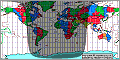
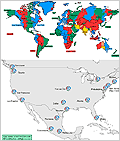
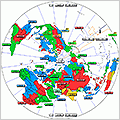
 Quick Reference Time Maps